
This translation was generated by artificial intelligence and may contain mistakes.
Note: Smartlabels is a paid add-on, additional costs are associated with this module. Enabling this integration is outside the existing services of Embrace. Please contact your account manager.
This article contains the following sections:
Adding and managing Smartlabels
For example, create a Smartlabel for your opening hours. If they change, you only adjust the Smartlabel, and the times are automatically updated everywhere they appear. This saves time and ensures better monitoring of the quality of your content. Click on + to create a smart label, see the screenshot above.
Setting permissions
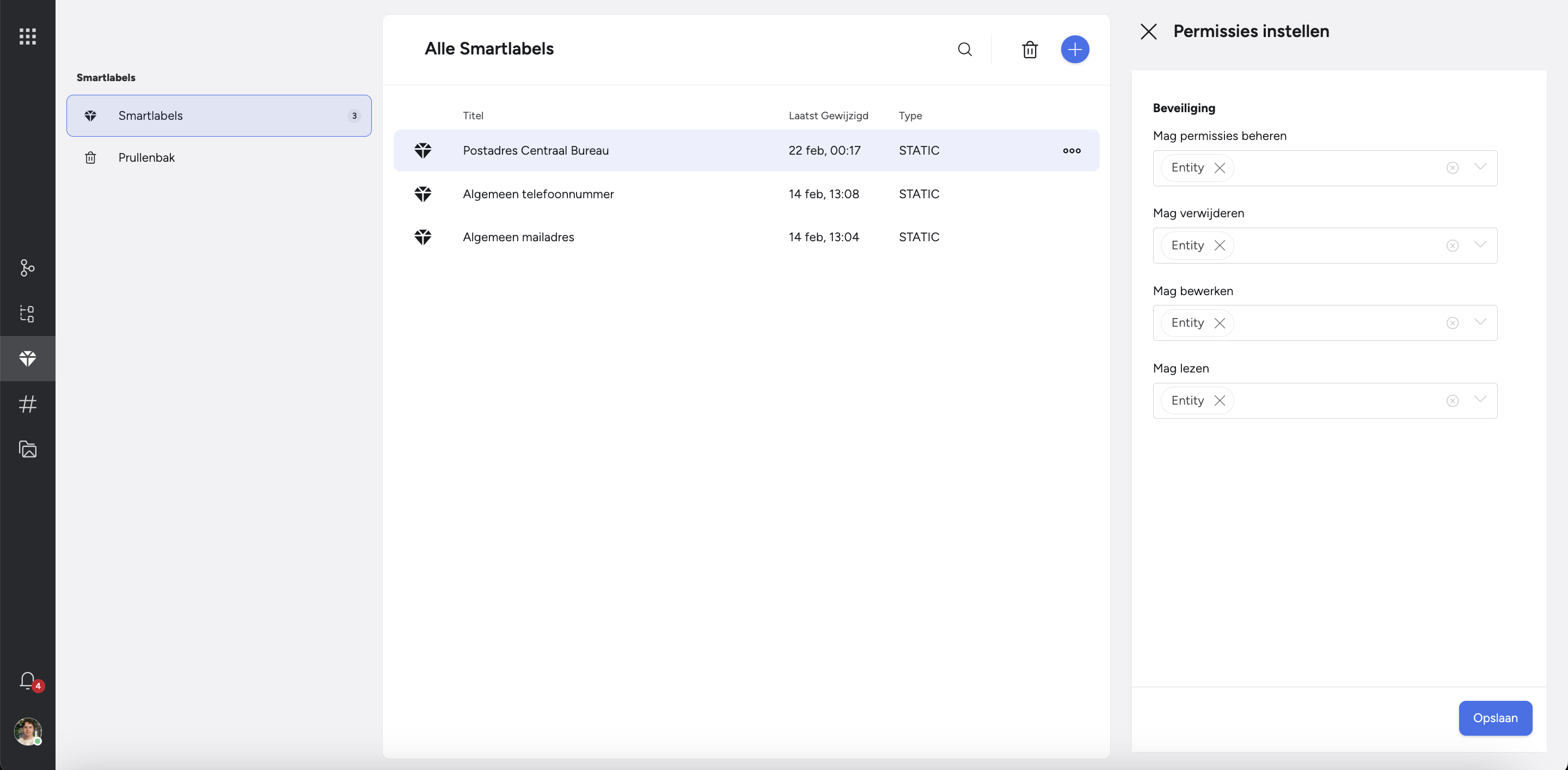
Once you have created a smartlabel, you can determine the rights and roles per smartlabel: which rights group editor may delete, edit or read the smartlabel?
You click on: smartlabel > three dots > set permissions
Recycle bin
Via the menu on the left, navigate to the Recycle bin. Deleted #tags are shown here. You can permanently delete them or restore them.